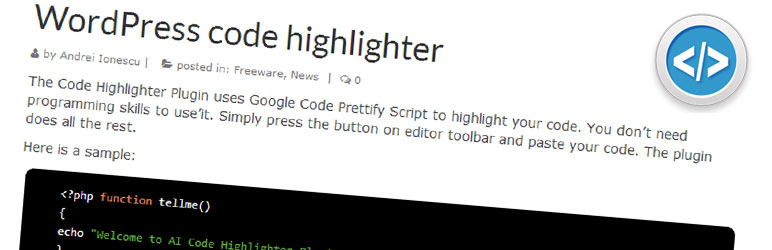
Code Highlighter Plugin uses Google Code Prettify Script to highlight your code.
Simply press the button on toolbar and paste your code.
Press Code Highlighter on Visual of the Editor..
AI Code Highlighter then Install Now from the list and Activate.
AI Code Highlighter zip then Install Now and Activate.
If you have direct access to the path, copy the zip file and extract to Plugin folder.
Then goto Plugins and Activate the plugin...
I needed simple copy paste for the code, no shortcodes, no writing lot, just copy paste...
Browse the code, check out SVN repository, or subscribe to the development log by RSS...
Added button to Visual editor.. 1.0.
Read more
Related items:















