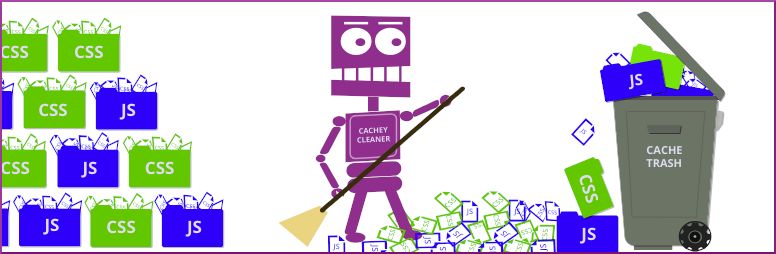
This companion plugin provides way to set the maximum allowable cache file size for your site and, if that size is exceeded, clears your Autoptimize cache and allows it to rebuild itself.
Select from one of the Maximum cache file size options from the menu and press Save Changes button.
Add time based WP Cron setting that will clear cache every few days, week, month, etc..
Via your WordPress admin dashboard, navigate to Plugins -> Add new and search for 'Autoclear Autoptimize Cache Then install the plugin and activate it in the usual way..
You cam also install the plugin by downloading copy of the plugin from WordPress plugins repository.
Allowing Autoptimize cache to grow too large uses up unecessary disk space degrades performance, especially on shared and VPS hosting...
Generally, the following are good assumptions 128 MB for small blogging site on entry level shared hosting. 512 MB for sites running complex themes and plugins on shared or VPS. 768 MB for sites running complex themes and plugins, e-commerce, memberships on med VPS. GB for large sites running complex themes, plugins, e-commerce, memberships on med to VPS...
Again, experiment with different settings and find the option for your particular WordPress site...
You can create in Support Forum tab for this plugin, or you can open issue at our Github repository at https github com hyperpress aocc issues.
Browse the code, check out SVN repository, or subscribe to the development log by RSS...
Read more
Related items:















