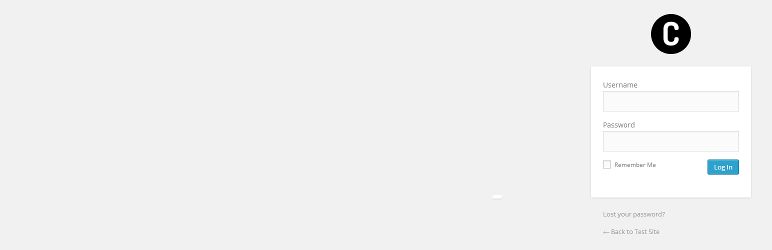
plugin that allows the user to change the logo of the login screen from the admin panel.
At the bottom of the Settings -> General page you will find.
You can change the login logo from there.
How Setings->general Page looks with the plugin options..
Upload the cs-login plugin to your blog, Activate it. 1, You're done...
In General Settings, under general, at the very bottom, you have 1 upload button for the image.
Once you save settings the image placed there will replace the login wp logo...
The following people have contributed to this plugin...
Browse the code, check out SVN repository, or subscribe to the development log by RSS...
*Removed the height textbox, it's now done from the image size...
Read more
Related items:















