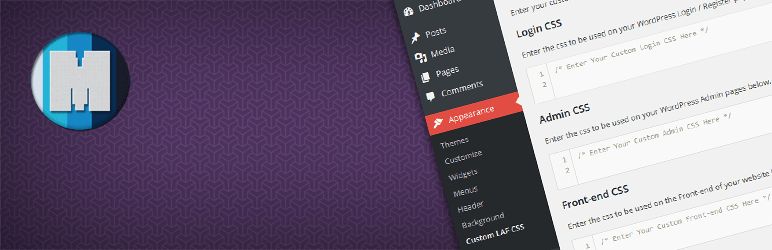
Loads custom CSS on WordPress Login Pages, Admin and Front-end via the interface.
Admins can customize the look and feel of the network and add CSS for the entire network.
You can add your custom CSS WordPress Admin > Appearance > Custom LAF CSS of your WordPress install or the base site on WordPress multisite network..
Go to the plugin page and in the 'Admin CSS section, check the box that says 'Import and append CSS from Admin CSS MU.
Install the plugin through WordPress admin interface, or upload the folder custom-login-admin-frontend-css to wp-content plugins using ftp..
Go to WordPress Admin > Appearance > Custom LAF CSS and add CSS you want...
In the base website go to WordPress Admin > Appearance > Custom LAF CSS and add CSS you want...
To change the size of the h1 tags WordPress Admin add this to Admin CSS h1 { font-size 40px important }.
To change the color of Login Page, add this to Login CSS..login { #ECCFFF important }..
Browse the code, check out SVN repository, or subscribe to the development log by RSS...
Read more
Related items:















