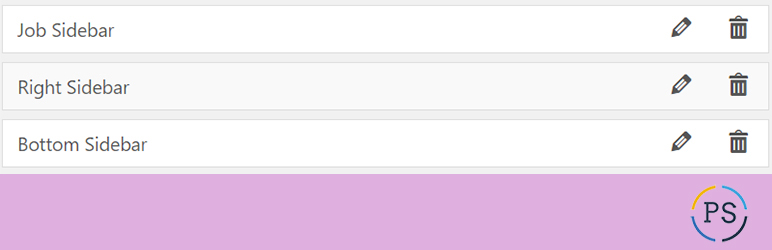
Dynamically Register Sidebars provides the feature to register siderbars from WordPress backend.
You can manage the sidebars from this plugin settings please review the plugins screenshots for more details...
After activate this plugin go to plugin settings by click on settings..
You can also find the plugin settings by 'Appearance > Register Sidebars your WordPress backend like as above screen..
Activate the plugin through 'Plugins WordPress.
Go to 'Appearance > Register Sidebars WordPress to register the sidebars.
If you want to use the dynamic sidebars in your theme, call the dynamic sidebar like this...
We don't need to write code theme to register sidebar..
Really, This is very good plugin for any WordPress website on the basis of below 2 factors. i ) Non WordPress developer can manage website sidebars by this plugin. ii ) If we have WordPress website and suppose we are using 20 sidebars in complete website then we have to write more than 50 lines codes in activated theme functions php file.
Browse the code, check out SVN repository, or subscribe to the development log by RSS...
Read more
Related items:















