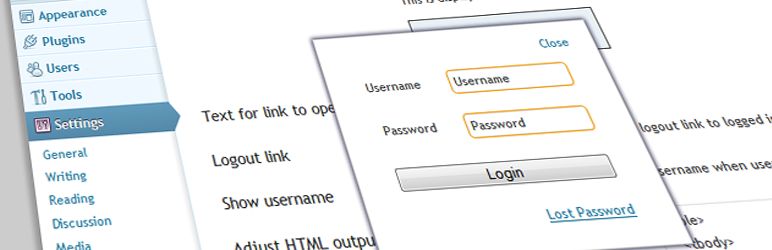
Provides shortcode and template tag to place link to popup login form at any place you want to..
Shows login link for not logged in users that pops up login form on click.
Multiple instances possible Place login form links to sidebar, header, and footer.
Fully HTML, CSS and text lines.
On the widget settings page choose Flexible Frontend Login and adjust the settings to your site..
By default the shortcode uses the settings set on the admin options page.
If you want to use the login form with darkened overlay in the background use without any parameters..
How to use Flexible Frontend Login template tag on your site.
If necessary change HTML in the template file...
Validate inside of modal window current page without jumping to the basic wp-login php redirect to User Role accessible page after login, add shortcode options for this...
Read more
Related items:















