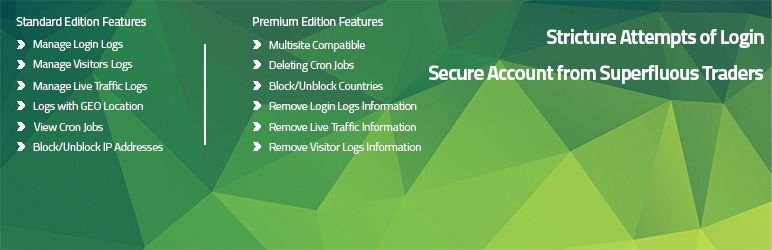
Limit Attempts Booster uses our own Tech Banker API based on Maxmind Database to fetch location and other details based on IP Address for its feature Login Logs, Visitor Logs.
Displays the details such as List of the Scheduled events, Date & Time for next Execution, etc for WP scheduled events.
You can view all the information about the 10 Blocked IP Addresses such as IP Address, Location, Blocked Date and Time, Comments and Action to be performed..
You can view all the information about the 10 Blocked IP Ranges such as IP Ranges, Location, Blocked Date and Time, Released Date and Time, Comments and Action to be performed..
It allows you to track information about current users who are logging into your Website such as username, IP Address, Status, time of login and Location on your Map..
You can Auto IP Block to block IP of the users who exceeds Login Attempts for the certain time..
By just entering your e-mail, receive notifications whenever Fails Login, Success Login, Block Unblock IP Addresses and Block Unblock IP Ranges..
You can keep records of Schedule Events such as List of the Scheduled events, Individual Schedule Interval, Date & Time for next Execution, etc..
You can configure the email settings to send emails whenever Fails Login, Success Login, Block Unblock IP Addresses, Block Unblock IP Ranges..
You can Block Unblock Ranges of IP to protect the Website from unauthorized users..
Read more
Related items:















