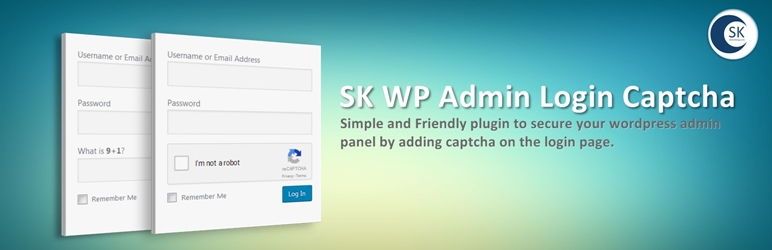
Simple and Friendly plugin to secure your wordpress admin panel by adding captcha on the login page..
Upload the plugin files to the wp-content plugins sk-wp-admin-login-captcha directory, or install the plugin through the WordPress plugins screen directly..
Activate the plugin through 'Plugins screen in WordPress.
By default plugin will add mathematical captcha on the login page.
Open the plugin settings page to configure more..
Use Settings->SK WP Admin Login Captcha screen to configure the plugin...
Just install the plugin and the plugin will add the captcha on the login form..
Copy and pase 'Site Key and 'Site Secret from the google recaptcha website to the Google captcha page..
Please make sure 'Site Key and 'Site Secret fields on the google captcha page has been filled and the keys are correct...
Browse the code, check out SVN repository, or subscribe to the development log by RSS...
Read more
Related items:















