This section describes how to install the plugin and get it working..
Upload the plugin files to the wp-content plugins plugin-name directory, or install the plugin through WordPress plugins screen directly..
Activate the plugin through 'Plugins screen WordPress.
Go to WordPress admin Dashboard under 'Orion Login Settings Menu and fill the required fields..
Get API key, Secret and Sender IDs etc from one of the above mentioned SMS service providers.
Fill the required fields as described in the plugin's settings page..
Put the selector class name or id on the plugin settings page and the plugin will create 'Login with SMS your login form..
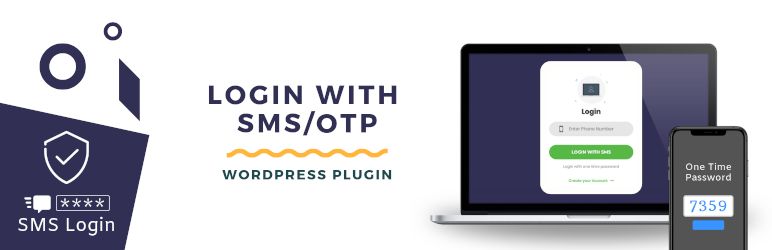
When the user clicks on 'Login with SMS button new form will pop up, where user can enter the his phone number that he gave at the time of registration..
I appreciate your work and you work hard to sort out my issue with custom form.
Interested in development.., check out SVN repository, or subscribe to the development log by RSS...
Read more
Related items:















